Get Started with Streaming
# 1
Choose Your Ideal Internet Speed
First, you need to make sure you’ll have enough bandwidth for streaming in addition to your family’s other internet activities. Call us for guidance or simply complete our short Bandwidth Estimator Quiz located at the bottom of this page to calculate the ideal internet speed for your household.
# 2
Review Your Streaming Service Options
Live TV Streaming Services
Bevcomm TV
YouTube TV
DIRECTV
Sling TV
Hulu + Live TV
Philo
Paramount+
Fubo
Frndly TV
Peacock
On-Demand Streaming Only Services
Netflix
Apple TV
Hulu
Prime Video
Disney+
discovery+
HBO Max
Peacock
Free Streaming Services
Pluto TV
The Roku Channel
Sling Freestream
Philo
Tubi
Vudu
Xumo
Haystack News
# 3
Find, Purchase, and Connect the Right Device
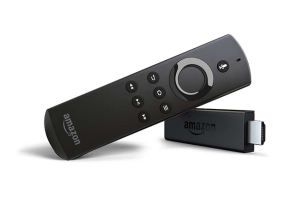
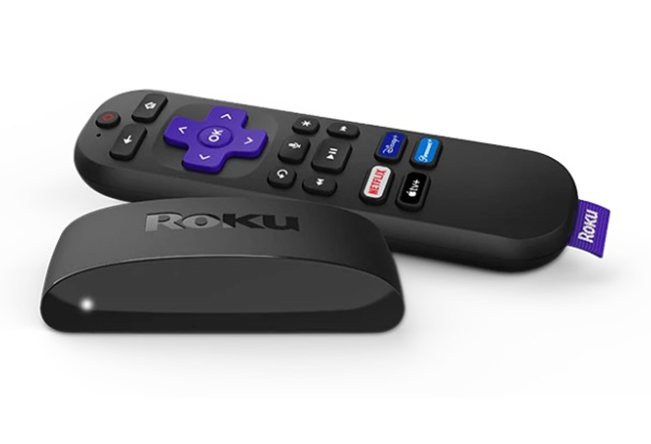
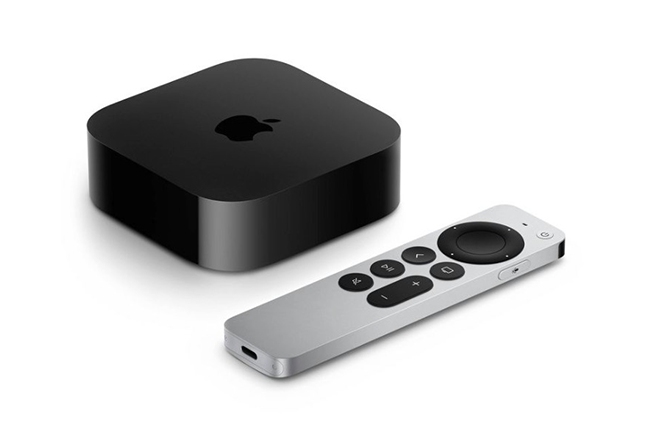
You can stream using a compatible streaming device, such as a Roku or Amazon Fire TV Stick, connected to your TV. You can also watch on your smartphone, tablet, or computer, giving you flexible options to find what works best for you.
# 4
Sign Up for Streaming Services
Most streaming services offer a free trial period and have only a 30-day minimum commitment. This makes it easy to try out different services and cancel the services you don’t find yourself using or enjoying. Click on the links below to go to the sites for information including pricing, terms, and specials or to sign up and start your subscription.