
Overview of Streaming Devices
Best for GMA Video
Amino Boxes
The Amino is available for rental or purchase through WCVT. These boxes will replicate a more traditional set-top box and remote control experience. This box also supports “zero screen” meaning that when the box is turned on, it will automatically start streaming the GMA Video App. In addition to an HDMI output, this box will also support older style TV’s using component cables as an option (obviously for the best picture and audio quality and overall experience we only recommend HDMI). The box features voice search capabilities through Google Assistant. Please note, that while there are many apps available to add to this box through the Google Play store, the Netflix app will not currently work (it can be downloaded but it’s not currently certified).

Pros and Cons
- Easy to use
- Affordable
- Not compatible with Netflix
How-To Tips
Great for Most Streaming Services
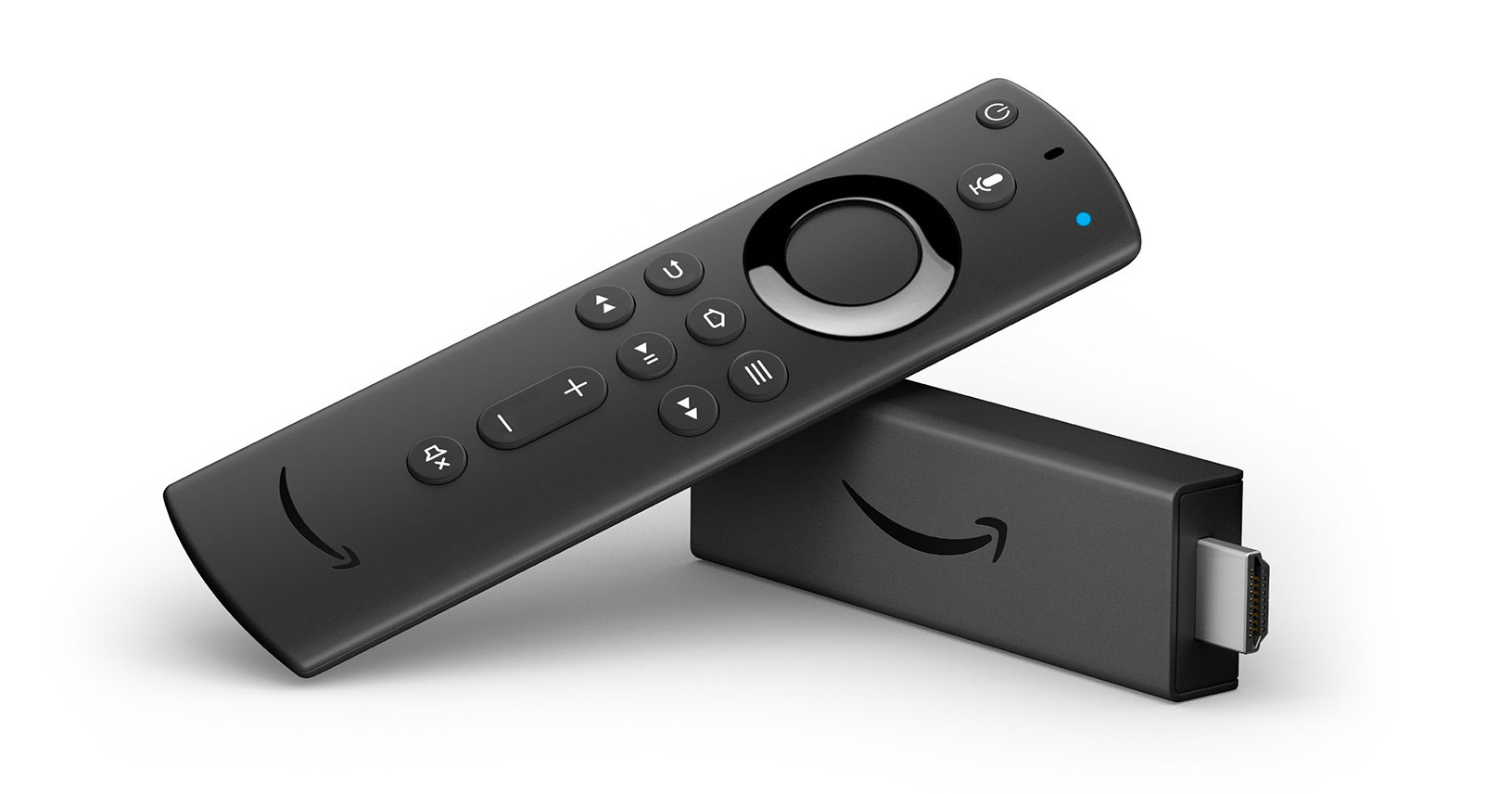
Amazon Fire TV Stick
The newer versions have hands-free Alexa controls, so you can use your voice to search and launch shows across apps. The latest generation of the Amazon Fire TV Stick also includes high quality Dolby Atmos Audio, Dolby Vision, and 5K HDR content.
Pros and Cons
- Easy to use
- Affordable
How-To Tips
Great for Apple TV Users
Apple TV
In addition to being a digital streaming device for Apple TV, it’s compatible with most live TV and on-demand streaming services including Peacock, MLB.TV, Netflix, and YouTube TV. Plus, you can play games from the App Store or Apple Arcade.

Pros and Cons
- Simple to use
- Lots of user tutorials
- Sensitive track pad
- Expensive
How-To Tips
Great for Most Streaming Services
Google Streamer TV
Available with a physical remote, the app integrates with Google Home and Google Assistant. Plus, it offers Dolby Vision.

Pros and Cons
- Works with most streaming services
- Simple to use
- Track pad
- Not ideal for elderly
How-To Tips
Great for Most Streaming Services
Roku Streaming Stick
Roku has been a leader in streaming devices since launching in 2008. Its more recent versions support Alexa and Google Assistant and include a built-in remote finder. Plus, Roku supports AirPlay, so you can mirror Apple devices.

Pros and Cons
- Works with all streaming services
- Most popular
- Affordable
- No track pad